
Orca: Running Several Coding Agents in Parallel, Each in Its Own Worktree
Once you run more than one coding agent at a time, the problem stops being the model and becomes the desk: which agent is in which checkout, which dev server is on which port, which diff is ready to review. Orca is an open-source agentic development environment built around git worktrees. What it is, how worktrees make parallel agents safe, the repo config that makes them practical, racing agents on one task, scripting Orca from the CLI, running it on a remote box, and where it falls short.

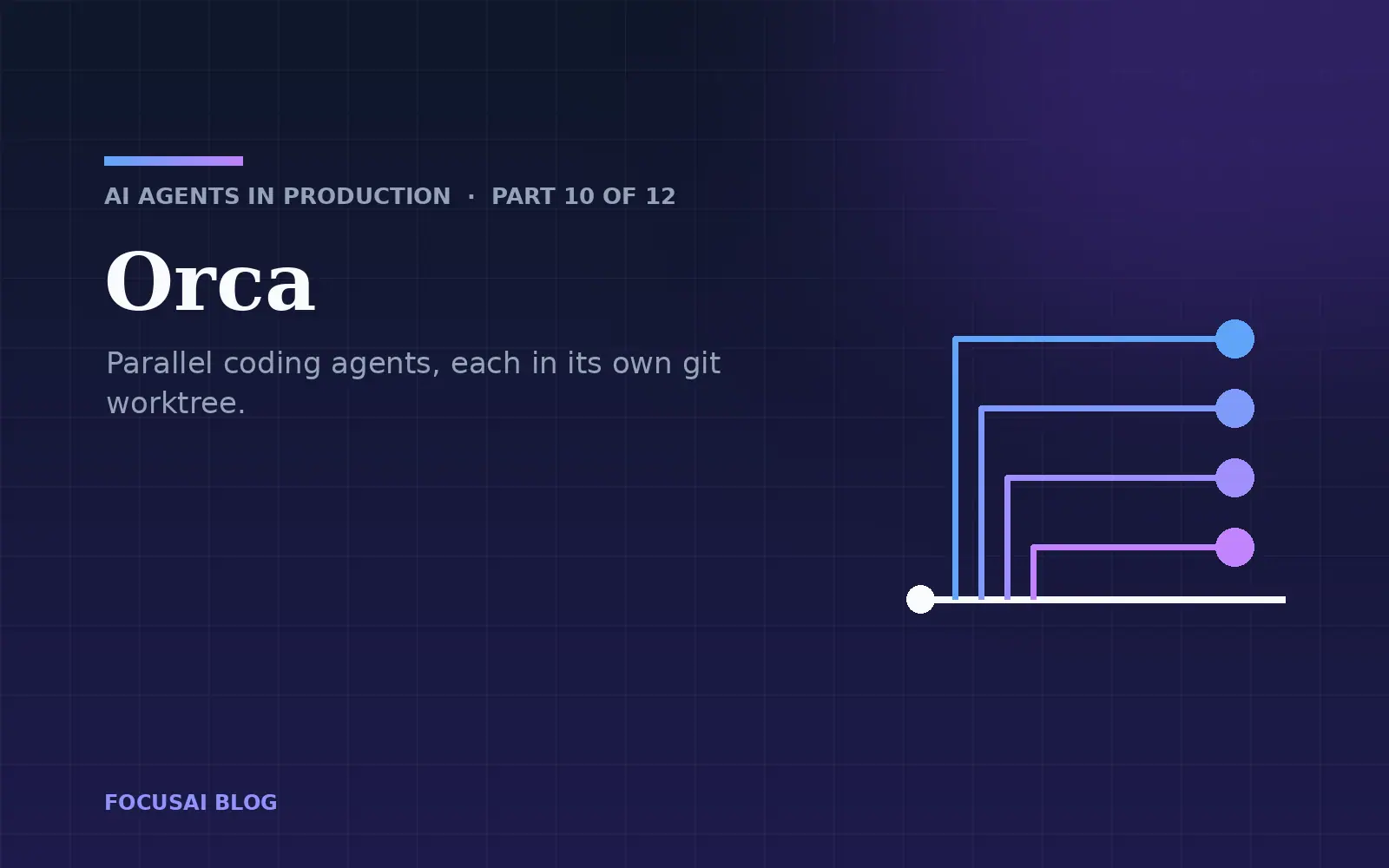
Bản tiếng Việt: Orca: chạy song song nhiều coding agent, mỗi agent một worktree. Part 10 of the series. Previous: Graph engineering. Next: Paseo.
My desk in March looked like this: five terminal tabs, Claude Code in two of them, Codex in another, two git worktrees I had created by hand, and a text file reminding me which branch lived in which folder. One afternoon two agents edited the same checkout because I had started the second one in the wrong tab. Neither noticed. I spent the rest of the day untangling a diff that contained half of each change.
The models were not the problem. Running one agent is a conversation. Running four is operations work: isolation, bookkeeping, review, and knowing which of them needs you right now. Orca is the first tool I have used that treats that as the job.
What Orca is
Orca is an open-source desktop application, MIT-licensed and built by the team at Stably AI, that calls itself an agentic development environment (ADE). It runs on macOS, Windows and Linux, with companion apps for iOS and Android.
The key thing to understand is what Orca is not. It is not an agent and it does not have a model. It hosts the agents you already use: Claude Code, Codex, Cursor's CLI, GitHub Copilot, OpenCode, Antigravity, Qwen Code, more than thirty named agents in all, and anything else that runs in a terminal. What Orca adds is the workspace around them. Every task gets its own git worktree, its own terminals, its own browser, and its own diff view, all in one window, with a sidebar that tells you which agent is working, which is waiting for input, and which is done.
On top of that sit the features that make a fleet manageable: review tools that send your diff comments back to the agent, GitHub, GitLab, Linear and Jira integration so a worktree can start from an issue or a PR, SSH worktrees on a remote machine, a CLI that agents themselves can use, and a phone app for when you walk away from the desk.
Why worktrees
A git worktree is a second working directory attached to the same repository. It shares the object database and history with your main checkout but has its own files, its own index and its own checked-out branch. You can create one with plain git:
git worktree add -b fix-invoice-rounding ../app-fix-invoice-rounding main
git worktree add -b fix-invoice-rounding-2 ../app-fix-invoice-rounding-2 main
git worktree list
/tmp/wt-demo/app                         0a10f4b [main]
/tmp/wt-demo/app-fix-invoice-rounding    0a10f4b [fix-invoice-rounding]
/tmp/wt-demo/app-fix-invoice-rounding-2  0a10f4b [fix-invoice-rounding-2]
That is the whole isolation story for parallel coding agents. Two agents in two worktrees cannot overwrite each other's files, because they are different files. Each can run tests, build, and commit on its own branch. When one finishes, you review its branch like any other.
Everything Orca does with worktrees you could do with git and discipline. In practice the discipline is what fails, which is why the tool is worth having. Orca creates the worktree, names the branch from the task or the linked issue, runs your setup script, opens a terminal in it, launches the agent you picked, and cleans up the worktree and its branch with one click when you are done.
Worktrees isolate files, and only files. Two agents running npm run dev will still fight over port 3000. Two test suites pointed at the same local Postgres database will still corrupt each other's data. Anything in your home directory (~/.config, a global cache, a Docker daemon) is shared. Plan for that before you start five agents, not after.
Installing and the first session
Download the app from the project site, or use a package manager:
# macOS (Homebrew)
brew install --cask stablyai/orca/orca

# Arch Linux (AUR)
yay -S stably-orca-bin
The CLI ships inside the app. Turn it on under Settings → General → Orca CLI, then check it from any terminal:
command -v orca
orca status --json
Add a repository, and each "New Workspace" creates a worktree from the repo's base ref (usually origin/main), or from another branch, a commit, or a PR you pick. Give it a name, choose an agent, type the prompt. Repeat twice and you have the docs' "first 3-agent session": three worktrees, three agents, one window.
Make the repository worktree-friendly
The first time I fanned out three agents on our Next.js blog, all three spent their first four minutes running npm install in parallel. A fresh worktree has no node_modules, no .env, no build cache. Orca reads an orca.yaml at the repository root to fix that:
# orca.yaml (repo root)
scripts:
  setup: |
    npm ci --prefer-offline
    npm run prerender

worktree:
  sharedDirectories:
    - .next/cache
scripts.setup runs after a worktree is created (Orca's own repository uses exactly this key for its pnpm install). You can also set setup hooks per repository in the settings, and the CLI's --setup run|skip|inherit flag decides per worktree whether they run.
worktree.sharedDirectories links gitignored directories from the primary checkout into each worktree instead of copying or rebuilding them. Entries must be existing gitignored directories; tracked or missing paths are skipped. Be careful what you share. A shared build cache is fine. A shared node_modules is fast until one agent upgrades a dependency and the others start failing for reasons that are not in their diff.
Gitignored files that should be copied rather than linked go in a .worktreeinclude file at the root, one literal path per line:
# .worktreeinclude (repo root)
.env.local
.vscode/settings.json
This is convenient and it deserves a moment of thought. Whatever you list here, every agent in every worktree can read, and an agent that reads a secret can also print it into a log, a commit or a PR description. Our rule is that worktrees get a development .env.local with scoped, low-value credentials, never the production keys that sometimes live in a developer's main checkout. (If your repository has a tracked .env with real secrets, that is a bigger problem than Orca, and the first thing to fix.)
Agent instructions need nothing special. Orca leaves CLAUDE.md and AGENTS.md alone, and each agent reads them from the worktree as usual. Per-repo agent hooks in .claude/ and .codex/ run when Orca launches those agents, so the harness work from part 2 carries over unchanged.
Racing agents on one task
The feature that sells Orca in demos is fanning one prompt out to several agents and merging the best result. The recipe in the docs is simple: three worktrees from the same starting point, a different agent in each, the same prompt, panes split so you can watch, then review each diff and ship the winner. Deleting a losing worktree removes its branch too.
The docs also make the point that justifies the cost. When different agents produce the same answer, it is probably right. Where they diverge, you have found the hard part of the task. That is the "agreement versus verification" idea from the previous post at a smaller scale. Agreement between different model families is weak evidence. Disagreement is strong evidence that you should read that part of the code yourself.
Racing triples the bill, so I do not race everything. I race when:
- the task is ambiguous enough that I want to see two or three interpretations before committing to one,
- it touches code where a subtle mistake is expensive (money, permissions, data migrations),
- or I am evaluating a new agent or model against the one we use today, on our code rather than a public benchmark.
For routine tasks, one agent per task across several tasks in parallel is the better use of the same money.
The CLI makes the fan-out scriptable. This is what I run for a race, with the task written in a file so every agent gets the identical prompt:
#!/usr/bin/env bash
# race.sh — one prompt, three agents, three worktrees
set -euo pipefail
prompt="$(cat "${1:?usage: race.sh task.md}")"
slug="$(basename "$1" .md)"

for agent in claude codex antigravity; do
  orca worktree create --name "${slug}-${agent}" --agent "$agent" \
    --prompt "$prompt" --setup run --json
done

orca worktree ps --json
Then I review in the app, where the diff view compares each worktree with its starting point, side by side.
Reviewing what agents wrote
Review is where parallel agents usually break down. Four agents can produce four diffs in twenty minutes; one person cannot review them carefully in twenty minutes. Two Orca features help.
Annotate AI Diff. You leave comments on specific lines of an agent's diff and send them back to that agent as its next instruction. "This should use Decimal, not float" pinned to the exact line is a much better prompt than the same sentence typed into the terminal, and the agent fixes it in the same worktree.
Attribution. Orca records which lines an agent wrote and marks them in the diff gutter; when you edit a line yourself it flips back to human. That tells you where to spend review attention. It stays local to Orca and is not committed to git, so export it from the diff toolbar if an audit needs it.
Neither changes the basic arithmetic. If you cannot review it, do not generate it. The number of agents I run in parallel is set by how many diffs I can read properly in a session, which for me is about four.
Letting agents drive Orca
The CLI is not only for you. Install the Orca skill and your agents can use it too:
npx skills add https://github.com/stablyai/orca --skill orca-cli
An agent working in a worktree can then open terminals, start the dev server in a split, and use the worktree's built-in browser to check its own UI change, which is the "test it as a user would" rule from part 2 with the browser built in:
orca terminal split --direction vertical --command "npm run dev" --json
orca goto --url http://localhost:3000/blog --json
orca snapshot --json                  # accessibility snapshot with element refs like @e1, @e3
orca click --element @e3 --json
orca screenshot --json
snapshot returns element references that click and fill accept, so the agent works with the page's structure rather than pixel coordinates. Design Mode is the human counterpart: click an element in the browser and its HTML, CSS and a cropped screenshot go straight into the agent's prompt.
There is also an experimental orchestration layer, in which a coordinator agent creates a run, defines tasks with dependencies, starts supervised workers in their own worktrees and waits for them to report back. It is interesting and it is clearly marked experimental, with flags that change between releases. I am watching it, not depending on it yet. If you want a coordinator today, part 9's graph with workers that call orca worktree create is the more predictable route.
Off the laptop
Five agents, five dev servers and five test suites will make a laptop fan spin. Orca has two ways to move the work elsewhere.
SSH worktrees. Add a host under Settings → SSH and choose it when creating a worktree. Agents, git and terminals run on the remote machine; the editor and the UI stay on your laptop, with automatic reconnects and port forwarding so the remote dev server opens in your local browser. We use a large build server in the office for this, and it changed how many agents I am willing to run.
A remote Orca server. A machine running Orca, or the headless orca serve, owns the projects, worktrees and agent processes, and your laptop, browser or phone connects to it as a client:
orca serve --port 6768 --pairing-address 100.64.1.20 --json
The pairing address is a Tailscale IP in the docs' examples, and Tailscale is what I would use. Do not expose this port to the internet. The server runs agents with full access to your code and credentials, so it belongs on a private network.
The phone app pairs with either. It is useful for exactly one thing: an agent finishes or gets stuck on a question while you are away from the desk, you get a notification, and you answer or send the next instruction without walking back.
Where it falls short
Some things to know before you move a team onto it.
It moves very fast. The README says the team ships daily and the feature list is always behind the changelog. That means bugs get fixed quickly, and it means behaviour changes under you. Pin a version for a team rollout and upgrade deliberately.
It is heavy. It is an Electron app hosting terminals, a Chromium browser per worktree and as many agents as you start. On a 16 GB laptop, four agents with four dev servers is my practical ceiling before I move to SSH worktrees.
It does not sandbox anything. Agents in Orca run as your user with your permissions, exactly as they would in your own terminal. Worktrees protect files from each other, not your machine from the agents. The permission settings of each agent (part 4) and, for anything risky, a container or a remote box are still your job.
Telemetry is on by default. Orca collects anonymous usage data and documents what it collects and how to opt out. Read that page before installing it on machines that hold client code, and turn it off if your contracts require it.
Multiple accounts need care. Orca can show Claude and Codex usage and rate-limit resets and switch between accounts. That is handy for separating personal and company subscriptions. Using it to stretch rate limits across several accounts may break your provider's terms, so check them.
Orca or something else
Orca is the right tool if you sit at a desk, run several agents on the same few repositories, and spend a lot of your day reviewing what they wrote. It is a workspace. Everything is designed around a human watching and reviewing in one window.
If what you want is the opposite, agents running on a machine somewhere that you check on and steer from wherever you are, with less interface and more daemon, the next post is about Paseo, which comes at the same problem from that direction.
References
- Orca on GitHub (MIT) and documentation
- Orca docs, Worktrees, Race three agents on the same task, CLI overview, Ways to run Orca
- Git documentation, git-worktree